Safe. Simple. Transparent Pricing.
Subscribe yearly and migrate all your store credits with confidence.
Yearly Migration Plan
A simple, powerful solution to migrate store credits into Shopify safely, accurately, and with a transparent yearly cost.
Everything included
- Unlimited CSV Imports
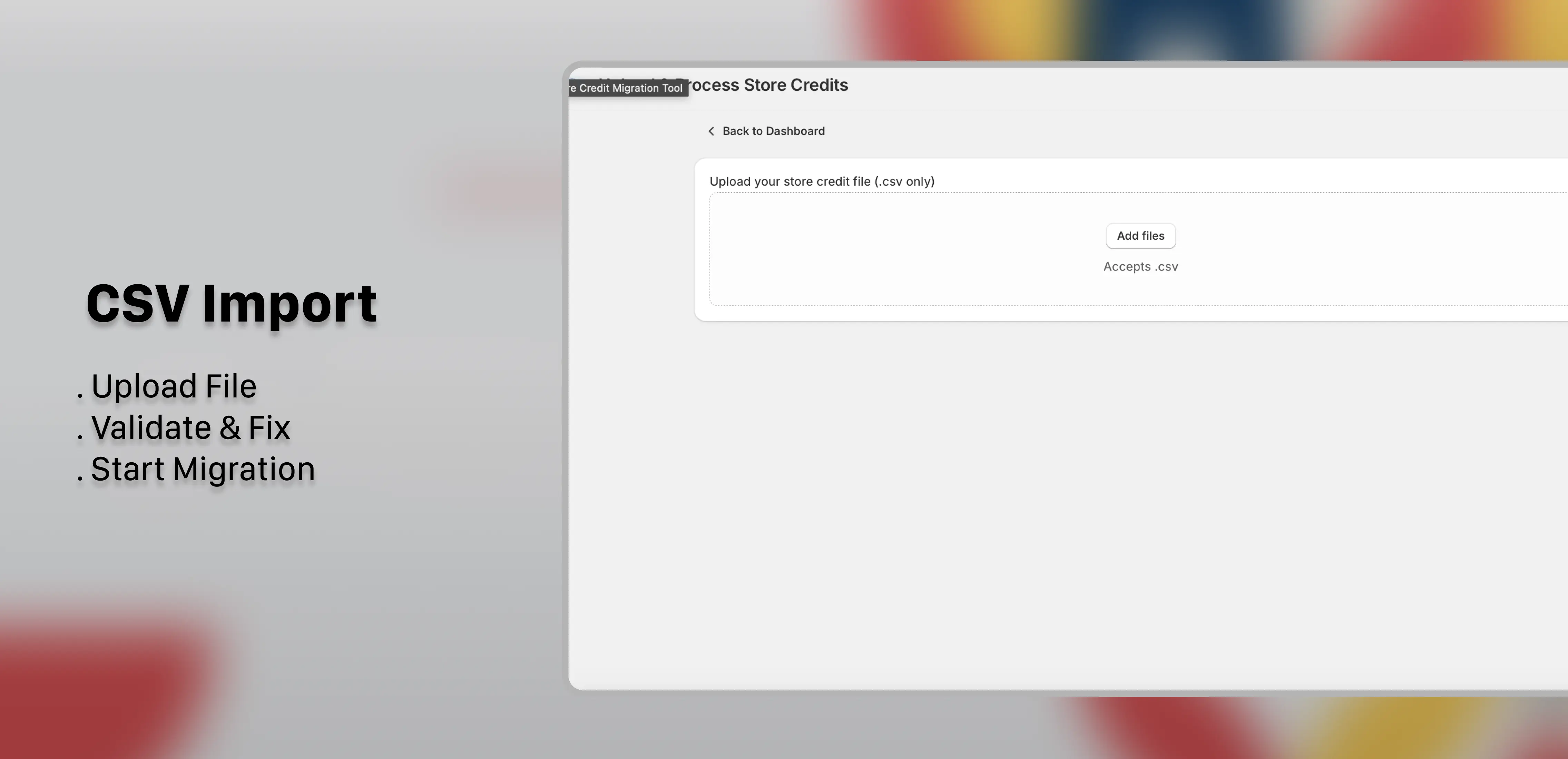
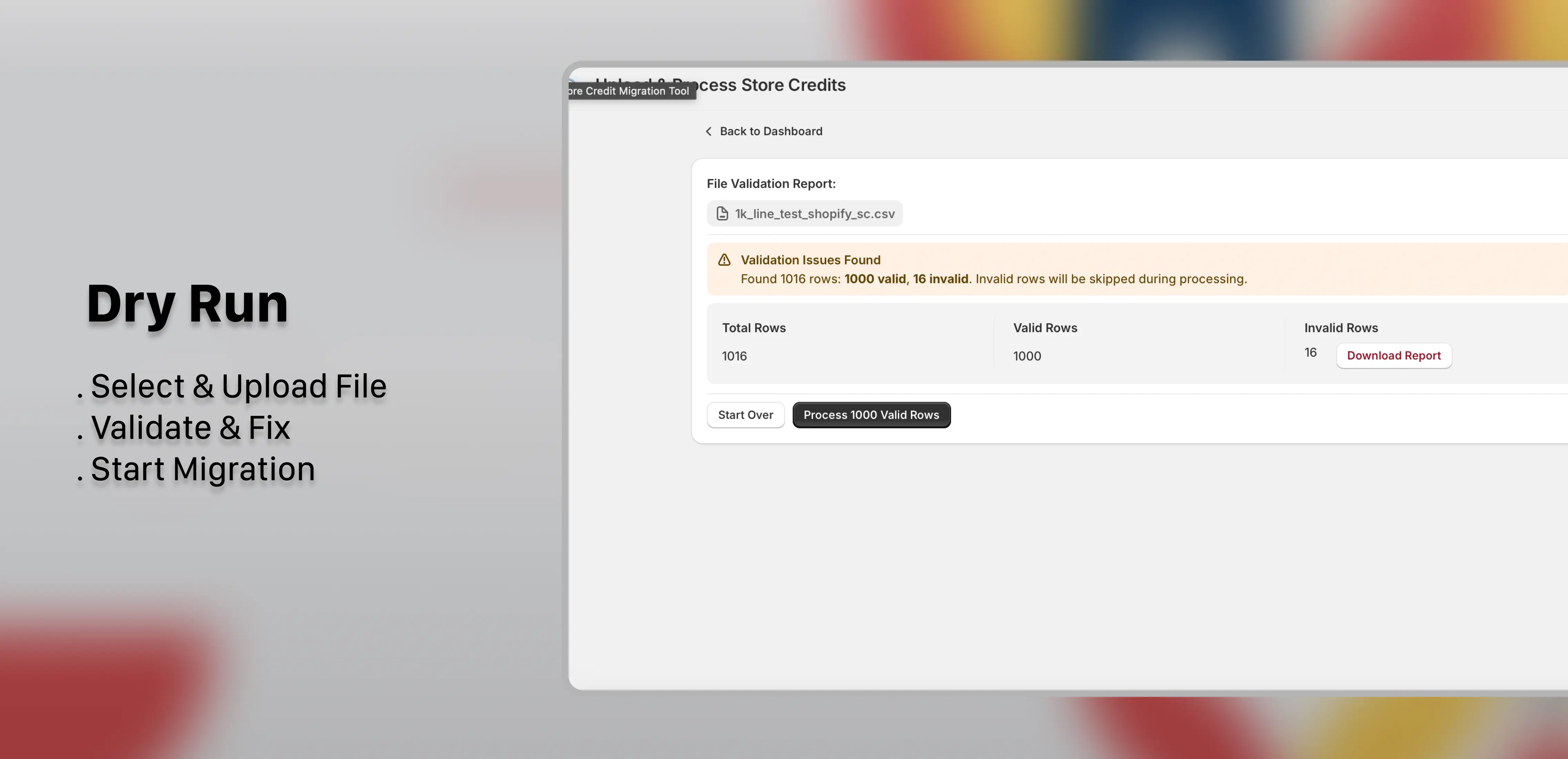
- Mandatory Dry Run & Validation
- Auto-Recovery on Network or Server Failures
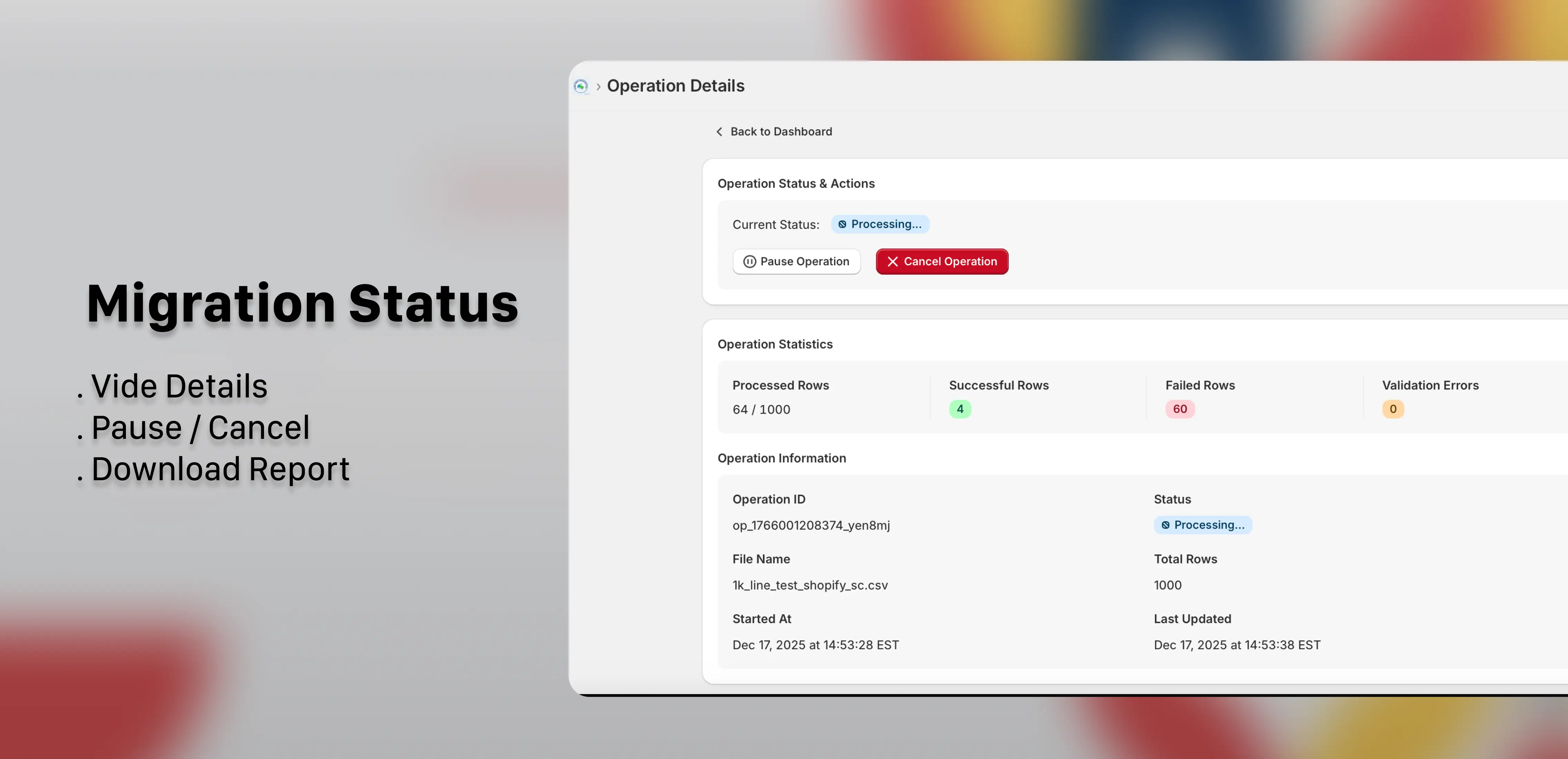
- Pause or Cancel Migration Anytime
- Detailed Migration Reports (Downloadable CSV)
Simple, Yearly Pricing
Subscribe yearly. Migrate with confidence. No hidden fees.
Yearly subscription · Unlimited imports
Support & Resources
General FAQ's
What is the required CSV structure?
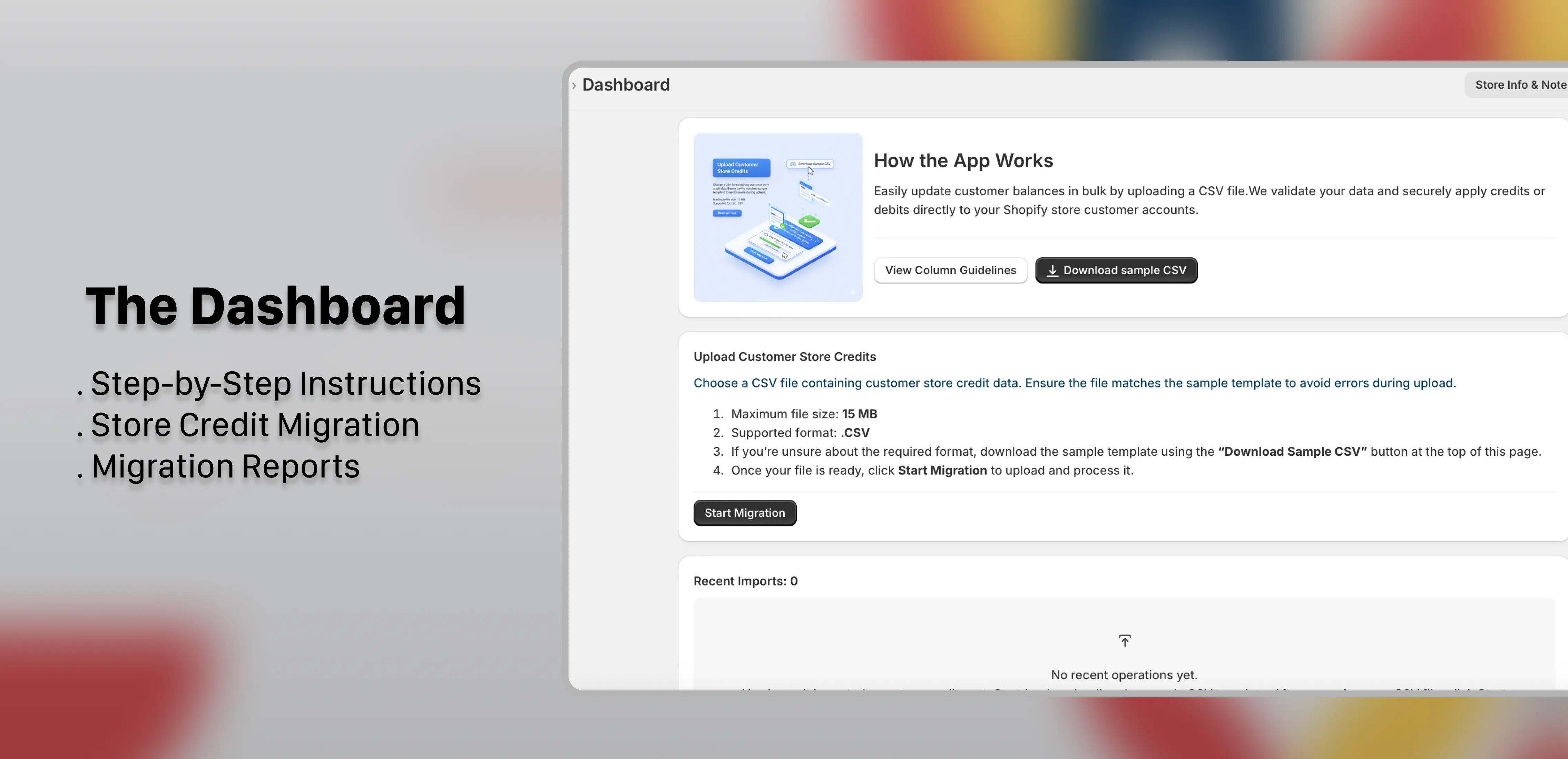
Your file must use exact headers:
Email or Phone (one required),Credit Amount, Debit Amount, Currency (must match store),Reason, and Expiration Date.Do I need to create customer accounts first?
Generally, no. If the customer exists in Shopify, the credit is attached automatically. If the customer doesn't exist, we will create a new profile using the provided email or phone number.
Can I credit and debit in the same row?
No. Each row represents a single operation. You cannot apply both a credit and a debit for the same customer in one row. Please use separate rows.
How do expiration dates work?
Expiration dates only apply to Credits. If left blank, the credit never expires. Dates must be in the future (MM/DD/YYYY).
What is the Auto-Recovery System?
Migrations now automatically pause if interrupted by network issues. You can resume exactly where you left off without duplicating data.
Debits & Removal FAQs
How do I remove store credit?
Enter a positive value in the
Debit Amount column (e.g.,10, not -10). Do not put any text in the Reason column for debits.Can I debit more than the current balance?
No. You cannot reduce a customer's balance below zero. If you try to debit $50 from a $10 balance, the row will fail with an error.
Which credit gets removed first?
Shopify's internal logic automatically deducts funds from the specific credit "bucket" that is set to expire soonest.
What is the maximum transfer limit?
You can transfer up to $15,000 USD (or equivalent) per customer. Amounts pushing the balance over this limit will fail.
Expiration Dates
How do expiration dates work?
Expiration dates only apply to Credits. If left blank, the credit never expires. You cannot set an expiration date for a Debit.
Can I set a past date?
No. Expiration dates must be in the future.
What time zone is used?
The tool converts your local date to UTC (Universal Time) to ensure consistency with Shopify's internal systems.
Reports
When can I download the report?
After an operation completes—whether it succeeds, fails, or is cancelled—you can download a detailed report of the migration.
What does the report include?
The report contains every row processed during migration, including successful rows, failed rows, and validation errors.
How can I review failed rows?
You can open the report and filter rows by status. Failed rows are clearly marked for corrections before re-uploading.
Can I fix errors and re-upload?
Yes. Correct the failed rows in your CSV and create a new file to upload again. This avoids overwriting existing valid records.
Currencies & Amounts
Can I use a different currency?
No. The currency code in your CSV must exactly match your Shopify store's primary currency. Using a different currency will cause the import to fail.
Can I upload $0.00 amounts?
No. Every store credit amount must be greater than zero. Zero or negative amounts will be rejected during migration.
Troubleshooting
Error: 'Amount exceeds balance'
You attempted to debit more money than the customer currently has in their account.
Why is the balance not updating immediately?
Updates are usually instant, but Admin caching may cause a delay. Refresh the customer page in Shopify to see the new balance.
What happens if I try to debit store credit from a customer with no credits?
You'll see the error "Store credit account does not exist." You must add store credit before debiting a customer with no credits.
Still have questions?
Can’t find the answer you’re looking for? Click below to get help from our team.
Ready to migrate?
📂
Download the CSV Template
Get the pre-formatted file to ensure your data is validated correctly.